Clinical Documentation Software: Charting & SOAP Notes in Embodia
Accurate, efficient documentation is a critical part of delivering quality care. Using the right clinical documentation software allows clinics to streamline charting, maintain compliance, and reduce administrative burden.
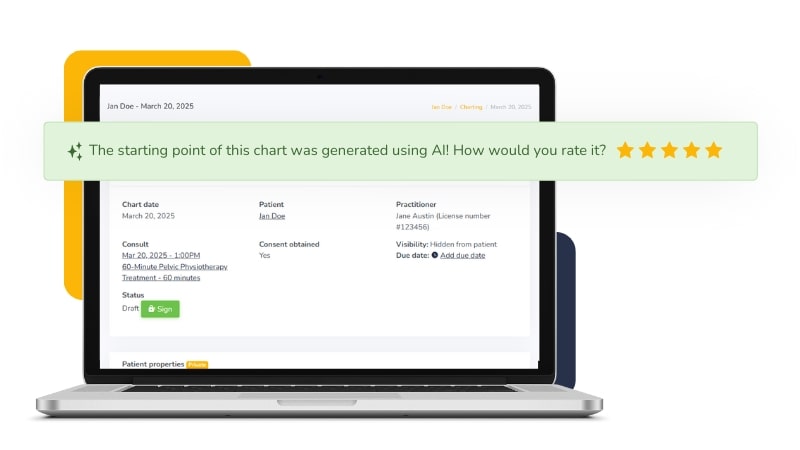
This guide walks you through how to use Embodia’s charting tools for electronic charting for clinics, including creating SOAP notes, managing patient records, and integrating documentation into your daily workflow.
As part of a complete practice management software for clinics, Embodia connects charting with scheduling, billing, and communication, so your documentation supports your entire practice, not just your notes.
Charting
Creating, signing, and updating patient charts
Snippets for faster charting
Importing charts
Viewing consults that are missing a chart
Uploading files
Changing the visibility of a finalized chart
Connecting a completed questionnaire to a chart entry
Adding diagnosis codes and Superbill procedures to patient charts
Adding due dates to a chart entry
Tasks in a patient chart
Exporting data
Exporting patient data
External sharing
Sharing a chart entry with an external user
Faxing
eFax on Embodia
Charting Supervision
Charting supervision
General documents and actions
Documents for general information
General actions on a patient profile
Tasks